Tout ce qu'il faut savoir sur l'application Keep Track


KeepTrack is an Eventmaker application that will allow you to:
Find all your information ( badges , profile)
Scan visitor badges directly from your phone or tablet , qualify each contact, and then collect their contact details and your comments.
To chat with contacts via messaging

Only the person in charge of each stand will be able to download the list in Excel format.

Downloading is done from the Profile page (on the application) or from your exhibitor area.

If an employee logs into the application without an active license or with their personal email, their rights will be limited and no contacts will be exportable.

Find all the setup instructions below.
Comment se connecter à l'app

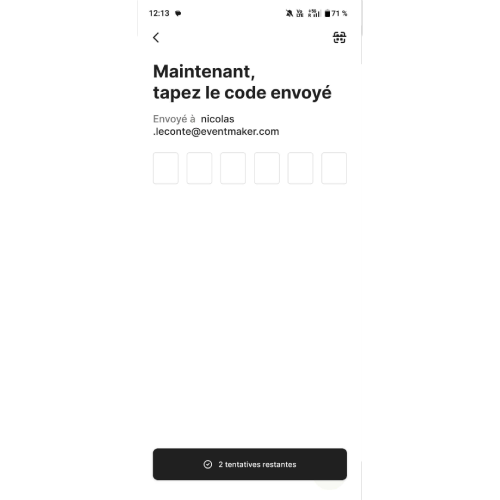
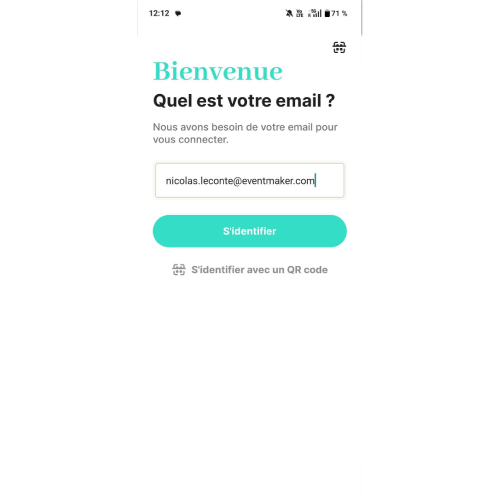
Enter your email address (associated with your registration ) or scan the login QR Code received by email.

If you log in with email, you will need to enter the one-time code sent by email.


From this page, you are now connected to the BEBE Paris show.

Quels services sont disponibles depuis l'app


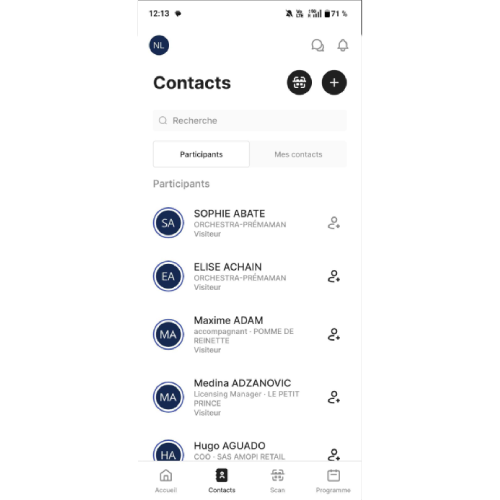
In the Contacts tab , find all the contacts you have scanned and also search among the registered users for new contacts to connect with.


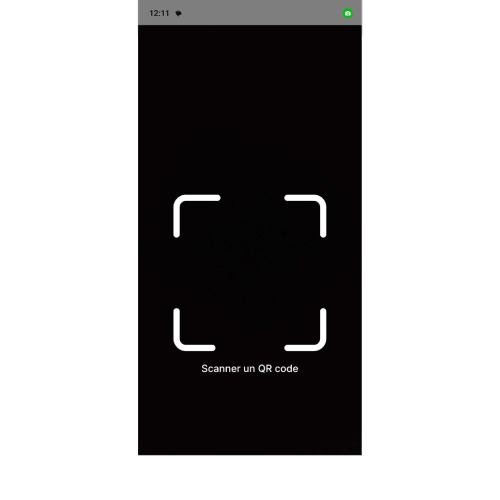
In the Scan tab , this is where you can scan the participants' QR code and then qualify their profile.


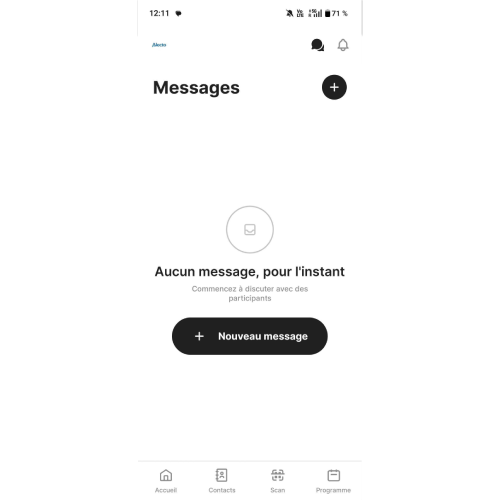
In the Messages tab, this is where you will find your conversation history and can chat with your contacts.

Comment exporter les leads depuis l’app


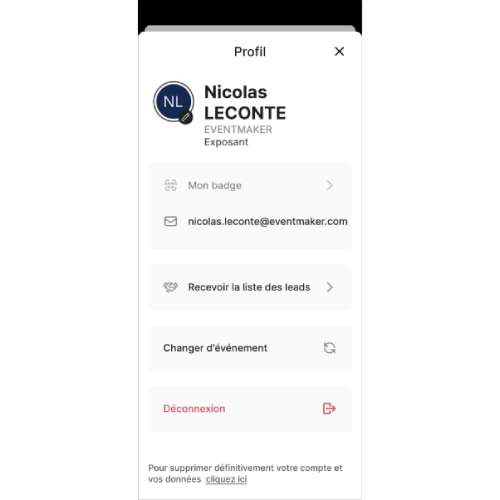
Access the Profile tab by clicking the logo in the top left corner. This is where you can find your badge, edit your profile, and download your leads.


Click on Receive Lead List.


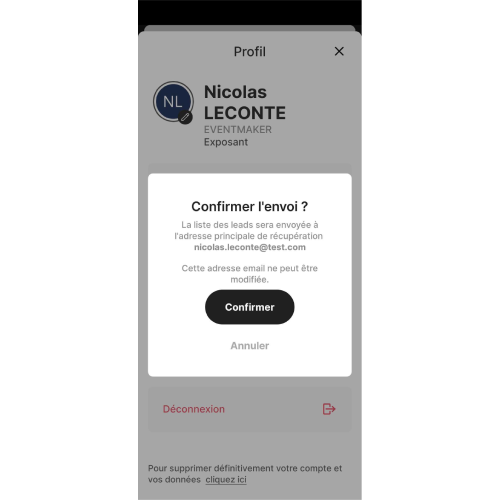
Confirm the sending of your leads. Only the responsible person/account manager will receive the email with the leads to download.